As of June 2025, the landscape of financial literacy education in U.S. high schools has seen significant progress, with 36 states now requiring some form of financial literacy instruction for graduation. This marks a substantial increase from 21 states in 2020.*
However, this also means that 14 states have yet to implement such requirements, leaving a considerable portion of American students without mandated financial education. While some of these states may offer financial literacy courses as electives or integrate them into other subjects, the absence of a graduation requirement can result in inconsistent exposure to essential financial concepts.
With our Dollars & $ense Financial Literacy series, Americans can access pertinent financial education designed to give them the basics of financial literacy including debt management, maximizing cash flow, retirement planning strategies and even specific financial concepts that impact women.
By taking the time to engage and educate your prospects and clients with our turn-key financial literacy program, you’re helping them learn the value of financial education, appreciate the services you provide and become more active in their financial strategies.
Dollars & $ense Financial Literacy is a flexible series that you can easily tailor to meet your practice and approach. Use all five presentations by accessing our complete 5-part series or choose the specific presentations you want to offer in a la carte style.
Below you will find everything you need to build your audience, invite attendees, make your presentation(s) and follow-up after the presentation(s) has been made.
Simply click on the complete 5-part series if you are planning on delivering each of the five presentations in a series or choose the individual presentations you want to make. This presentation kit allows you to deliver as little as one of the presentations or as many as all five. No specific order is required when delivering these presentations.
In this first step, you will need to schedule your webinars. Set up a meeting appointment via your preferred video conferencing platform and don’t forget to double-check that the time, date and length of meetings all match what you’re looking to offer your clients.
ESI representatives, be aware of your restrictions for conducting webinars and setting appointments. See ESI Field Notice 2020-06 regarding video seminars, and ESI Supervisory Procedures regarding electronic communications such as appointment setting applications.
Once webinars are set up you can move to step 2 to get started building your audience and sending out the invites.

Offering financial literacy programs to employers is a big opportunity. Employers often lack the resources to provide this comprehensive type of education for their employees. You can add value by implementing a series like this for an employer while getting in front of that employer’s staff and demonstrating your expertise and your value.
Offer these workshops during staff meetings or separately scheduled meetings within the employer.
Other Engagement Opportunities

PRO TIP
Follow telemarketing rules. You can find them on the agent portal under: Training >> Compliance >> Advertising/Social Media >> Telemarketing and Email Solicitation.
At the beginning of the call, take time for casual conversation. Small talk is how you make big connections and how relationships are formed.
Kendra! It’s so nice to have you on the phone, it’s been a while since we last spoke. How are you? Family/Friends are staying healthy?
Showcase your understanding with their circumstances by seeing the economic downturn through their eyes. What would be most impactful to them right now?
What has changed for you in the past year? How has that impacted your life and finances?
After gaining an understanding of the individual’s current concerns and needs, encourage them to attend your upcoming live discussion on one of the five financial literacy topics.
Without overwhelming you with too many details now, I am happy to set up some time for us on Zoom (or another video conferencing platform) to walk through some basic steps that could make an impact on your life and finances.
— or —
I am hosting a collaborative discussion on this topic on (date) on (presentation). I would encourage you to join us to see if we can identify areas to boost your financial wellness.
…and if any of your family members, friends, colleagues would be interested in attending the conversation as well, feel free to invite them to our meeting, or I can reach out to them directly.
Close your conversation by positioning yourself as a resource and by thanking them for sharing their most precious asset with you, their time.
A phone call is always great but also sending an email invite will give your potential attendees something tangible to read and share. Go ahead and use our approved email invite here and then make sure to send the confirmation email to any registrants.
The email templates included in each presentation kit below are intended to aid you in your communication to consumers to attend a webinar, hosted by you. We have included suggested steps to help you in using them.
When your clients register via the link you provide them, they will receive an appointment on their calendar from the video conferencing platform containing a direct link to access the webinar. We also recommend reaching out to your attendees and clients to confirm their registration and provide a reminder of the webinar information. Use the Confirmation Email provided to provide a direct link to the meeting as well as your contact information.
STEP 1: For each session you plan to present you will need to set up a meeting appointment via your preferred video conferencing platform (Zoom, Skype, Ring, etc.). Remember to double-check that the time, date, and length of meeting all match what you’re looking to offer your clients.
ESI representatives, be aware of your restrictions for conducting webinars and setting appointments. See ESI’s Written Supervisory Procedures regarding electronic communications such as appointment setting applications.
STEP 2: Copy and paste the registration links into the [ADD LINK HERE] section on the Invite Email provided.
STEP 3: Update the other areas necessary in the Invite Email (date, time, agent name, and contact information). Do not change or delete any of the disclosures at the end of the email, including the opt-out language.
STEP 4: If you change anything other than personalizing the email with your information, submit email for compliance approval via AdTrax. If not, you may send it after personalizing it.
STEP 5: Once approved, send email to prospects and current clients to drive up your audience attendance for your webinar, as well as set up private appointments.
STEP 6: Use the confirmation email template(s) for each of the sessions your prospects and clients have registered for.
When presenting the full series, send the series invitation email here with individual registration links for each session added. Then, use the individual presentation emails to confirm with your attendees prior to each presentation.

Full Series Invitation Email
Cat# 105876
Maximizing Cash Flow for Today and Tomorrow

Invitation Email
Cat# 108209
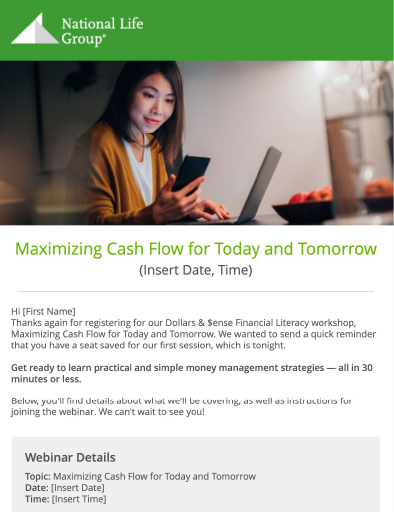
Confirmation Email
Cat# 105877
Debt Management and Student Loan Forgiveness
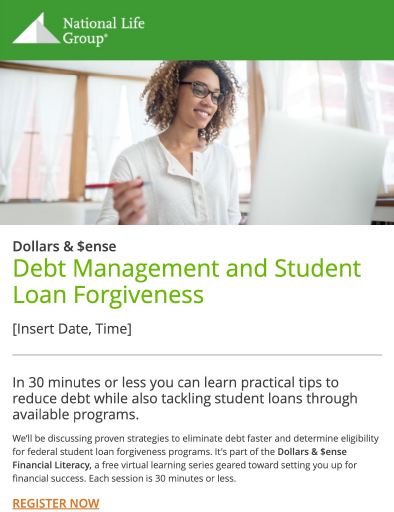
Invitation Email
Cat# 108210
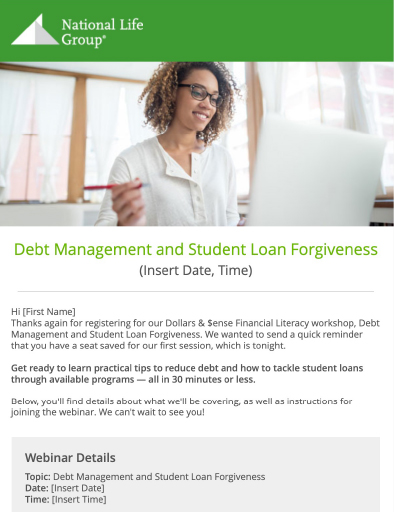
Confirmation Email
Cat# 108300
The Countdown to Retirement Starts NOW

Invitation Email
Cat# 108211

Confirmation Email
Cat# 108301
Looking Beyond Social Security for Retirement Income Planning

Invitation Email
Cat# 108212

Confirmation Email
Cat# 108302
Retirement Planning Strategies for Women

Invitation Email
Cat# 108213

Confirmation Email
Cat# 108303
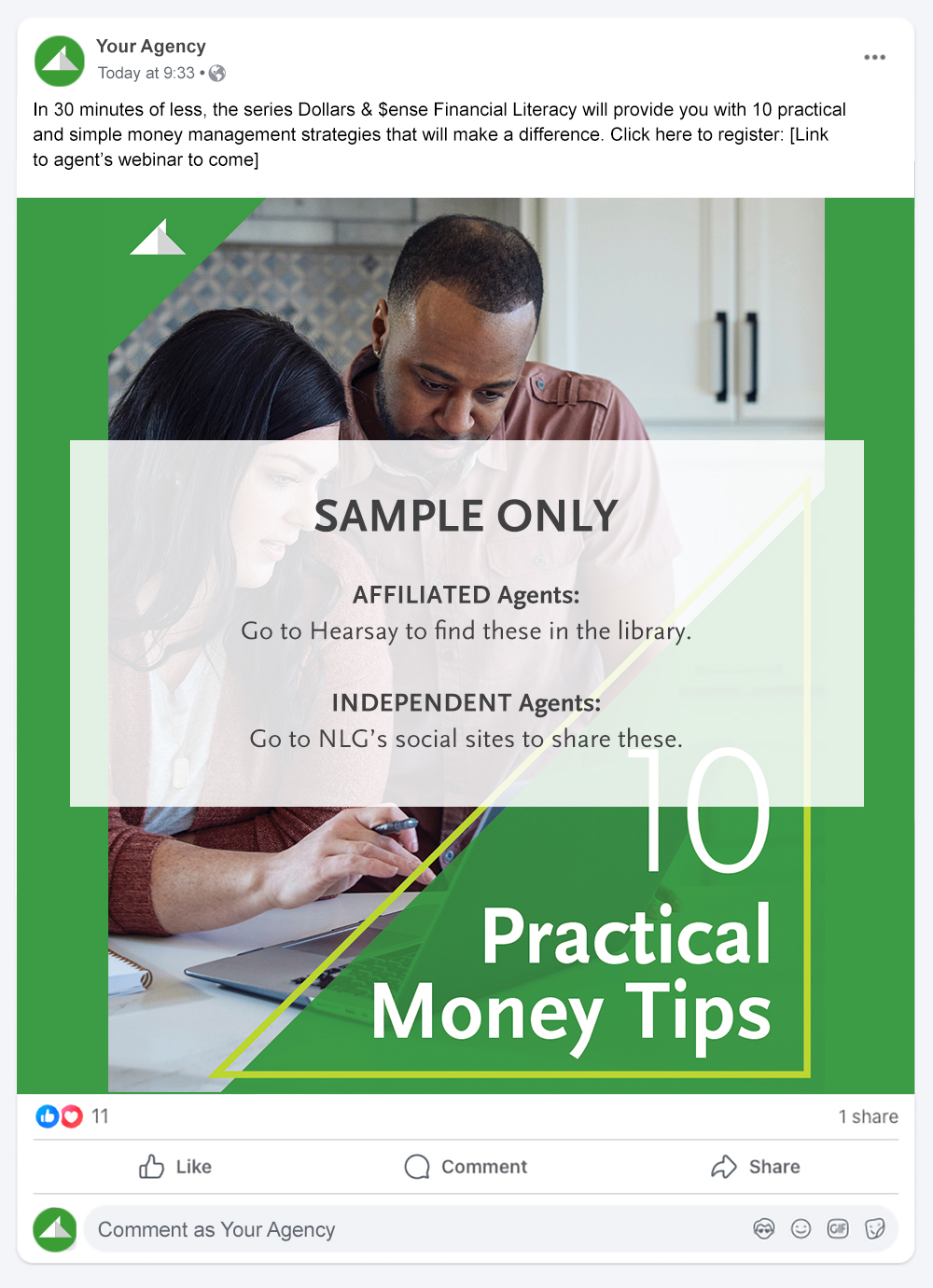
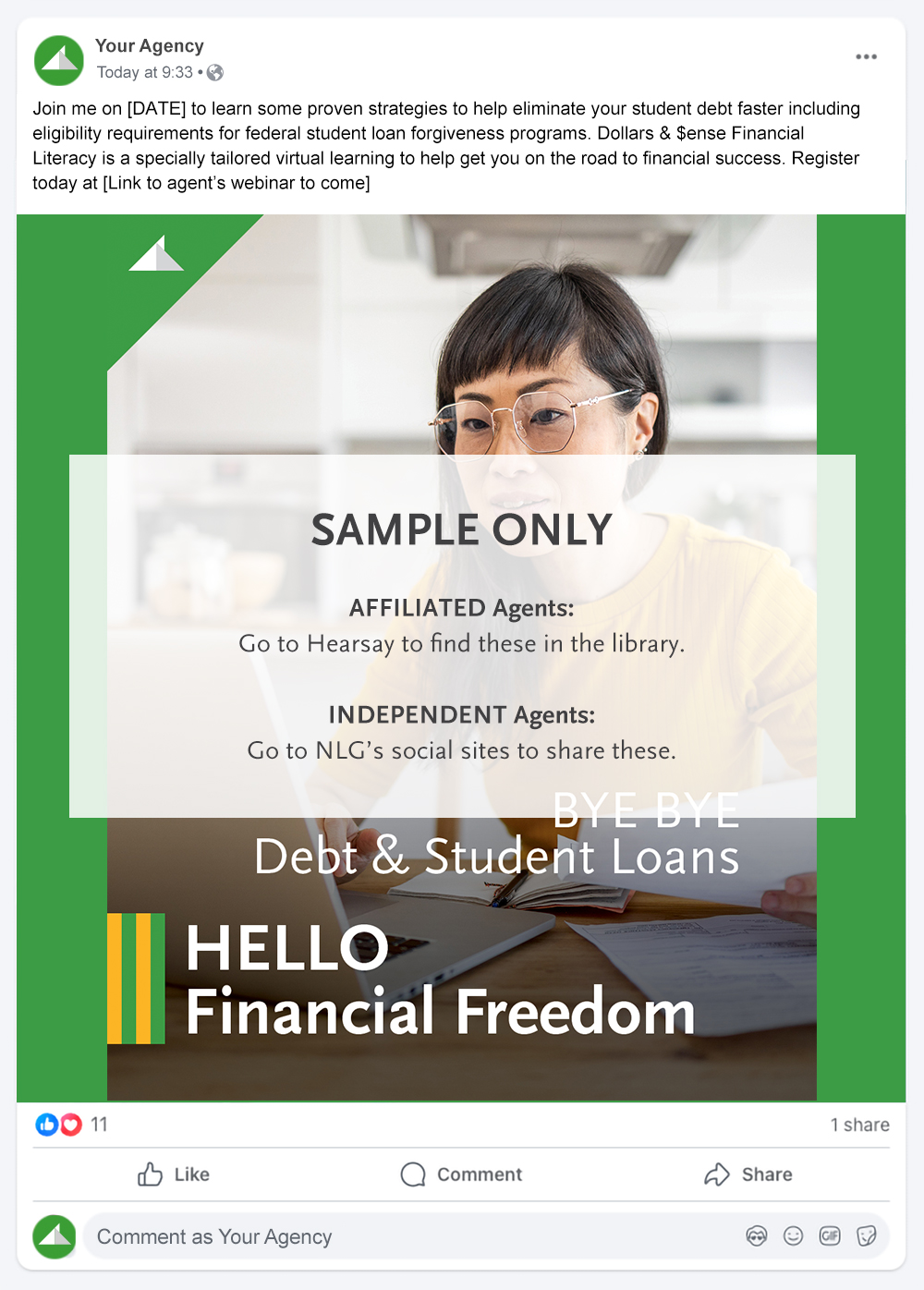
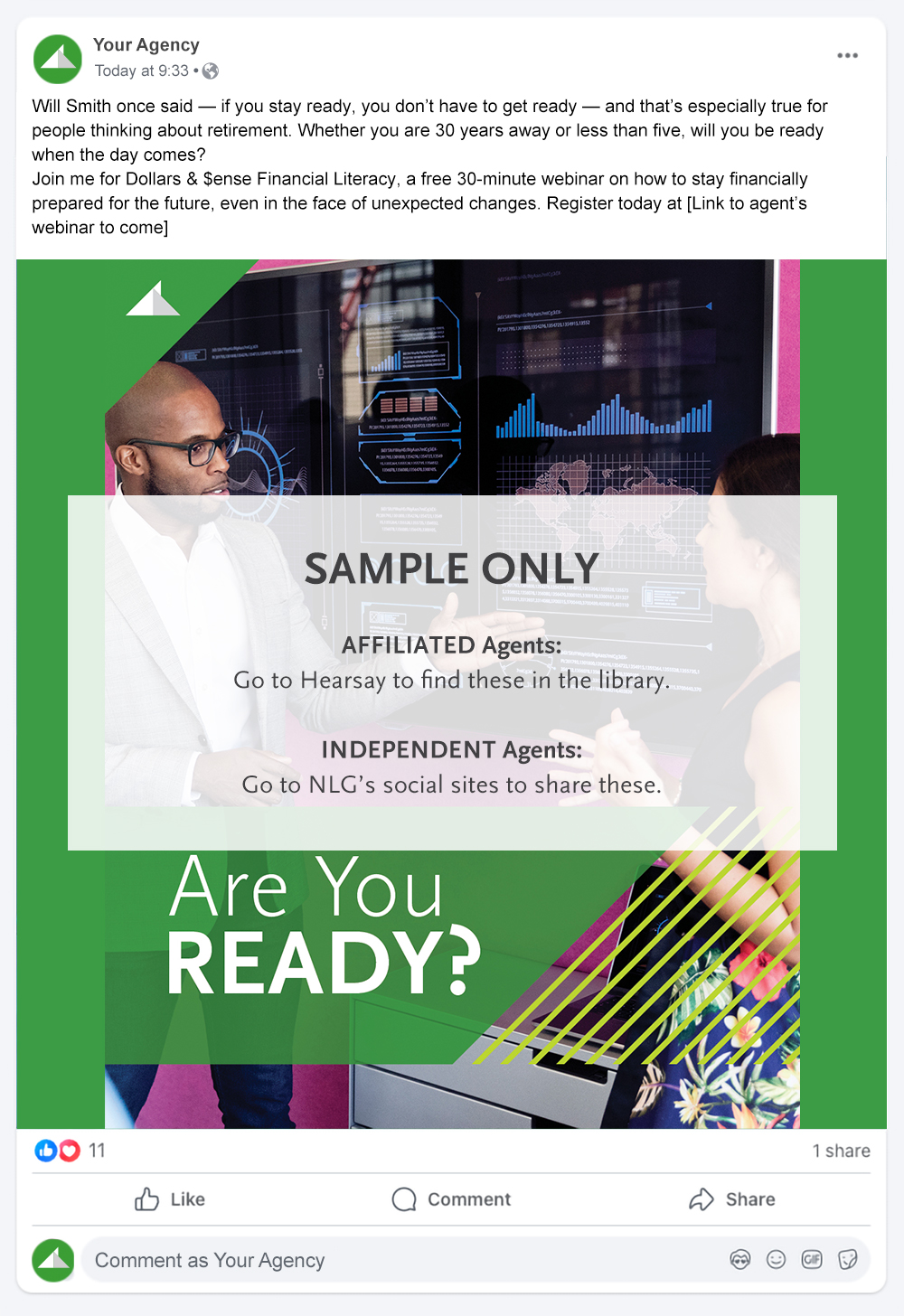
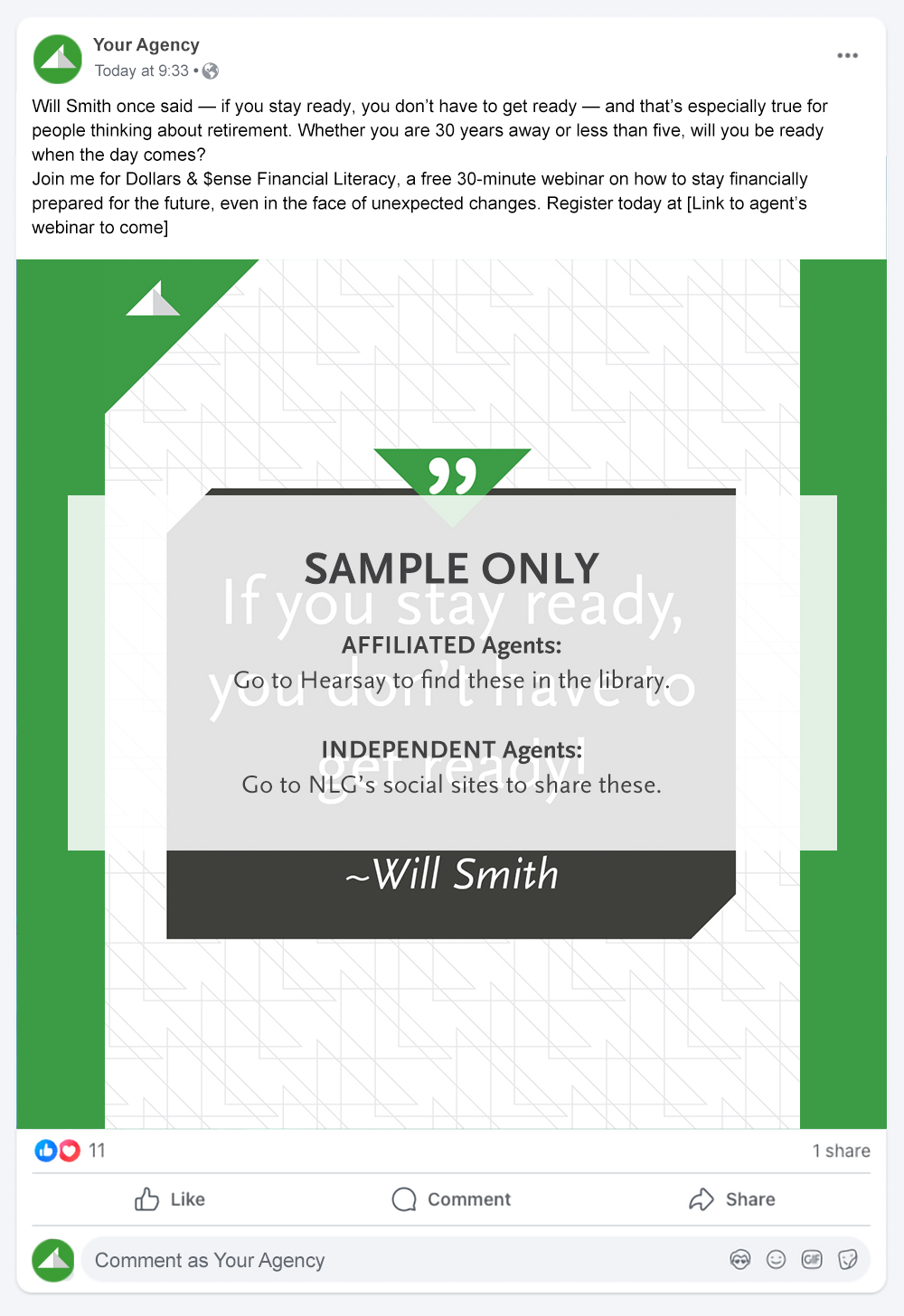
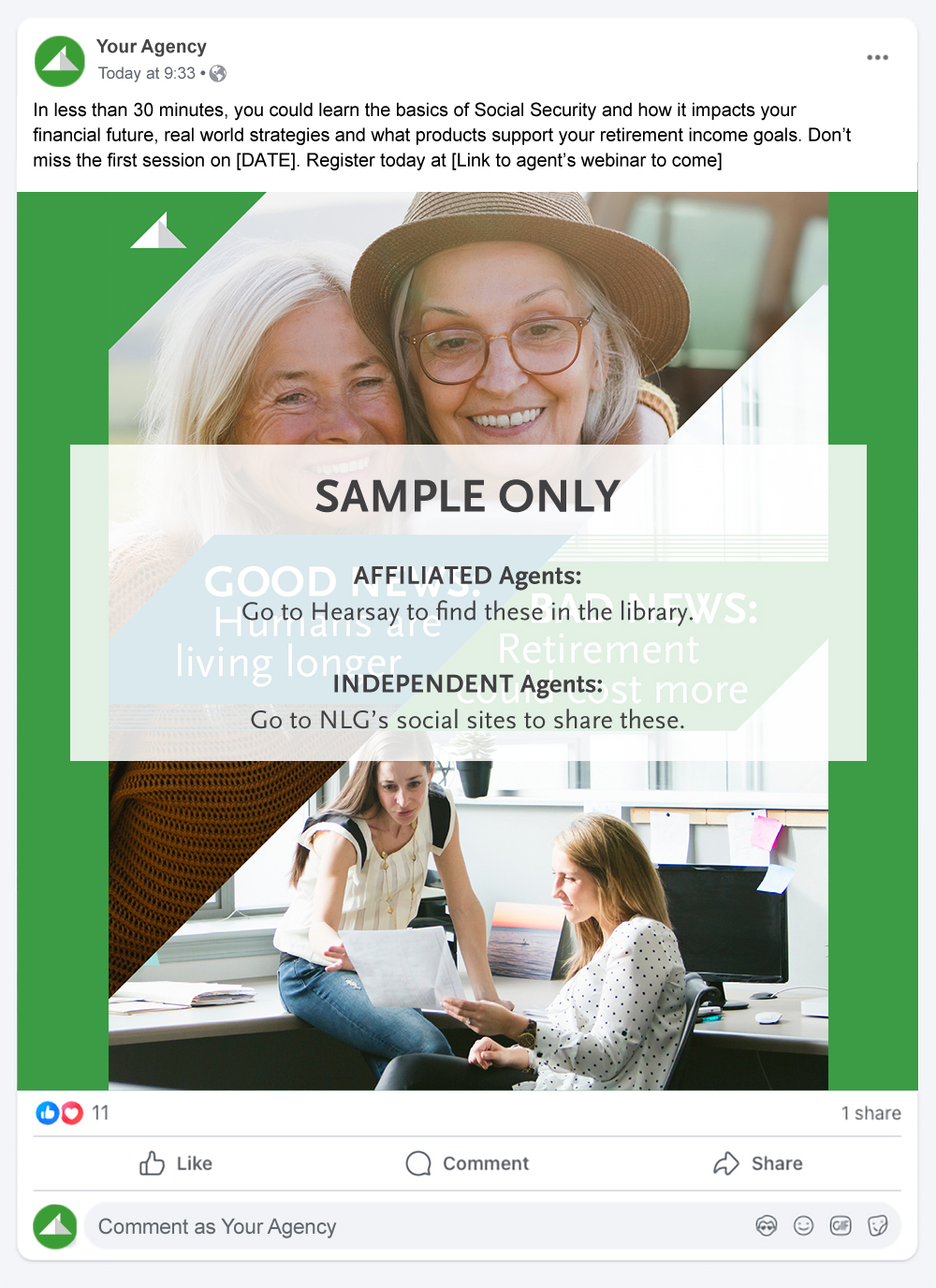
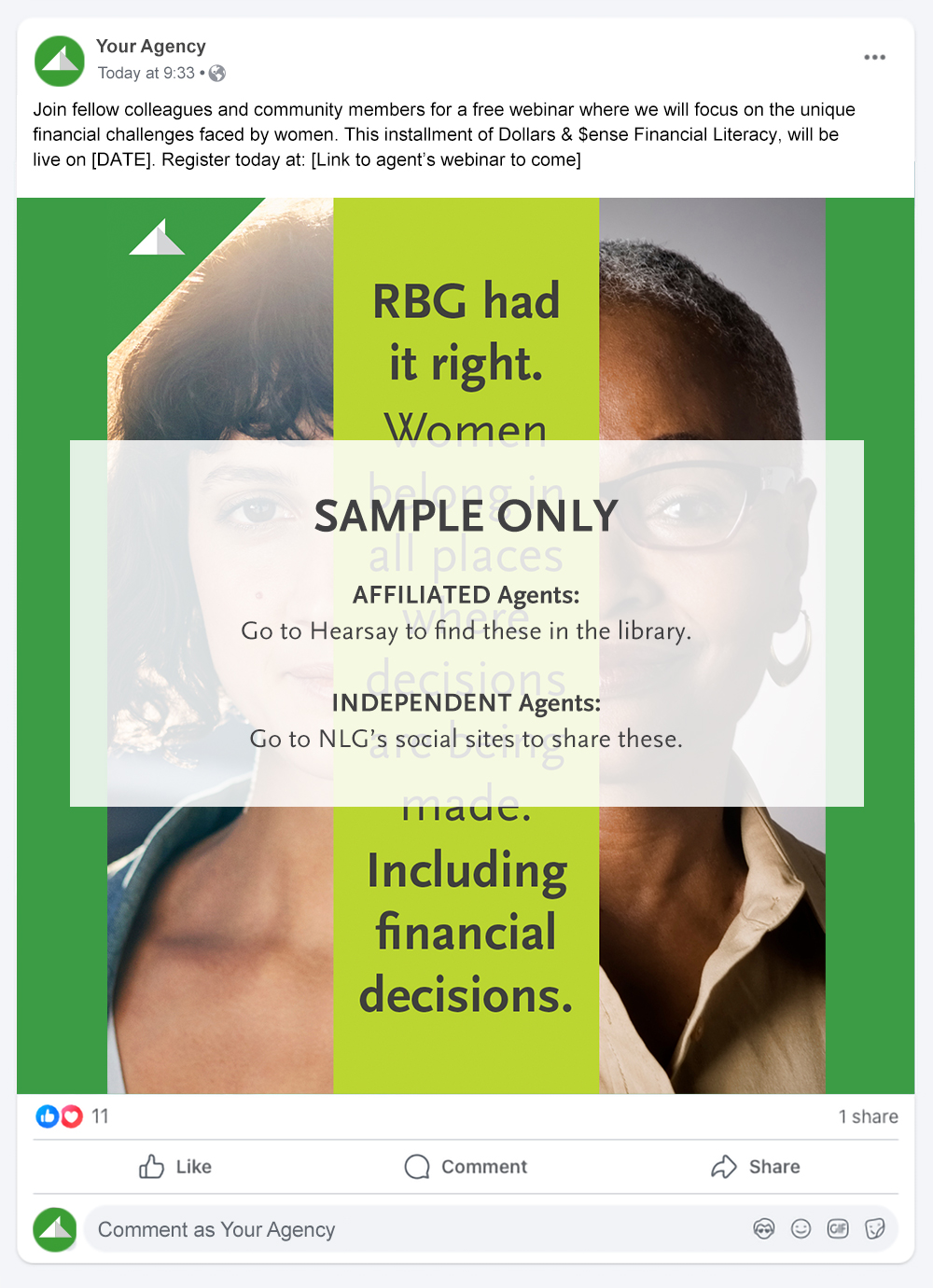
Social media is an informal approach to tease some of the larger topics that you can help with, without going into too many details upfront. It also provides you with the insight on who is interacting with your content and how, potentially providing you with a short list of prospective clients to follow up with personally.
We have created a few social posts for you to utilize in your own marketing on social media platforms to make saving for retirement (while getting out of debt) more relatable to your different audience pools.
IMPORTANT REMINDERS!
Non-registered agents: See the L&A Compliance Manual for information regarding social media use.
RRs and IARs of ESI: In addition to the above, see ESI’s Written Supervisory Procedures on the Agent Portal for information on social media use and additional requirements.
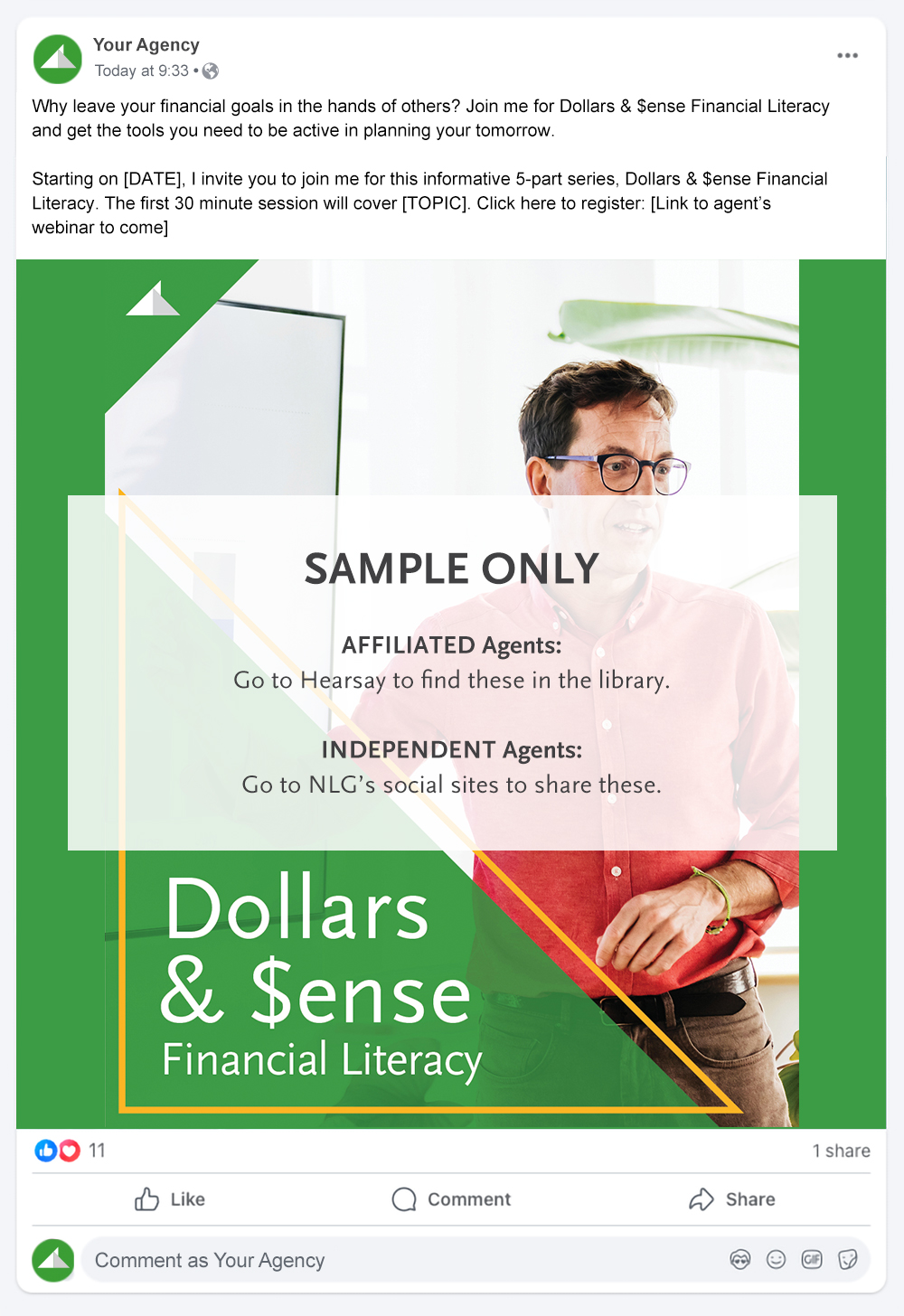
Full Series Post 1
Cat# 108227
Now that you’ve scheduled your presentations, sent out your invites, and posted to social media you’re ready to get presentation ready. Each of the five presentations you will be giving are below.
PRO TIP
Though not a requirement, these types of presentations work very well when you co-present. Think about who your co-presenter will be if you choose this approach. Will it be an agent you often work with or do you want to invite someone from the employer to tag-team with you. An employer co-presenter might be the head of HR, benefits, finance, payroll or even public relations.
NOTE: You must be logged into the Agent Portal to access the presentations below.

Download the Presentation
Cat# 105867
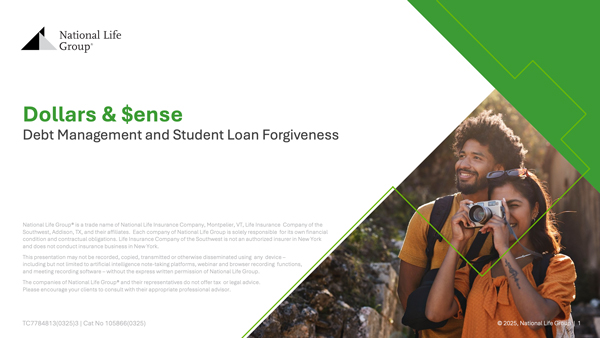
Download the Presentation
Cat# 105866

Download the Presentation
Cat# 105869
Download the Presentation
Cat# 105867
Download the Presentation
Cat# 105866
Download the Presentation
Cat# 105869

Download the Presentation
Cat# 105870

Download the Presentation
Cat# 108012
FOR AGENT USE ONLY – NOT FOR USE WITH THE PUBLIC
National Life Group® is a trade name of National Life Insurance Company, Montpelier, VT, Life Insurance Company of the Southwest, Addison, TX, and their affiliates. Each company of National Life Group is solely responsible for its own financial condition and contractual obligations. Life Insurance Company of the Southwest is not an authorized insurer in New York and does not conduct insurance business in New York.
Equity Services, Inc., Member FINRA/SIPC, is a Broker/Dealer and Registered Investment Adviser. All companies noted under National Life Group are affiliated and are located in Montpelier, VT, unless otherwise noted. In CO, MO, NH and WI, Equity Services, Inc. operates as Vermont Equity Services, Inc.
Centralized Mailing Address: One National Life Drive, Montpelier, VT 05604 | 800-906-3310 | nationallife.com
TC8091735(0625)3 | Cat No 105875(0625)